layout: true class: middle <div class="footer"><a href="https://twitter.com/rem">@rem</a> // <a href="https://remysharp.com">remysharp.com</a></div> --- class: center, middle # Next.js for React Remy Sharp // @rem --- - 10:00 Introductions (Remy & attendees) (15m) - 10:15 Up and running: application architecture (60m) - 11:15 Break - 11:30 Extending: custom routing, parameters (90m) - 13:00 Lunch (60m) - 14:00 Connecting: Database backed pages (1h) - 15:00 Break (30m) - 15:30 Testing, building & deploying (90m?) - 17:00 End --- # Intros - Me, using Next.js on projects, experiments, listy.io, zeit web site - What is Next? - Benefits? - Plan for the day --- # Setup ```bash npm init -f npm install --save next react react-dom ``` Then add script to run: ```json { "scripts": { "dev": "next", "build": "next build", "start": "next start" } } ``` But that won't run… --- 1. Create ./pages 2. Add ./pages/index.js ```js export default () => <h1>Welcome!</h1> ``` Now we're ready. --- ```bash ❯ npm run dev > next-workshop@1.0.0 dev /Users/remy/Sites/next-workshop > next DONE Compiled successfully in 1628ms > Ready on http://localhost:3000 Client pings, but there's no entry for page: / > Building page: / DONE Compiled successfully in 704ms ``` --- # Zero config, SSR by default It's unimpressive, but now you can cURL the URL and you'll get the content: ```bash # Mac users: $ curl http://localhost:3000 | textutil -convert txt -stdin -stdout # Unix users: $ lynx -dump http://localhost:3000 ``` Not very interesting, but… --- # pages = routing system ```text pages/index.js => localhost:3000/ pages/about.js => localhost:3000/about pages/user/index.js => localhost:3000/user pages/user/rem.js => localhost:3000/user/rem pages/user/julie.js => localhost:3000/user/julie ``` What about `/user/:name`? We'll look at more advanced and dynamic routing later on. --- Let's make a few other pages. 1. pages/about.js 2. pages/contact.js Now let's link them and test client side and server side URLs: ```js ... <a href="/contact">Contact me</a> ... ``` Links work, but… --- class: center, middle  --- Let's make it do client side requests too, making use of the History API: ```js import Link from 'next/link'; // ... <Link href="/contact"><a>Contact me</a></Link> ``` ??? Explain that the properties of `<Link>` are cloned down into the child element. ---  --- We're using the same JavaScript for both server side and client side rendering. The `Link` element can be used to wrap anything too…just be wary: .pull-left[```js <Link href="/about"> <em>About</em> </Link> ```] .pull-right[] --- # Segue: linting It's possible might have a few red snakes if you have a linter running:  --- # Using eslint I'm using VS Code and the following config: https://rem.io/next-lint Save the two files in the root of your project, and add the development dependencies to your code: ``` $ npm install --save-dev \ eslint \ eslint-config-airbnb \ eslint-plugin-react ``` --- # Layout Without any configuration, Next is using latest ES6 tech, including modules to import. Let's create some new components and re-use them. --- # Layout The only *special* and magical directory is the `pages`, otherwise you can use any other name for your modules. 1. Create ./components 2. Add ./components/Header.js 3. Add ./components/Footer.js ```js export default () => (<header> <nav> { /* nav items */ } </nav> </header>); ``` --- Then `import` into our page: ```js import Header from '../components/Header'; // ... and others if you want export default () => ( <div> <Header /> <h1>Welcome, one and all</h1> </div> ); ``` Would be much more useful to have a layout component, that could be reapplies across all our pages. --- Create `./components/Layout.js` Then put our header and footer in there: ```js import Footer from '../components/Footer'; import Header from '../components/Header'; export default ({ children }) => ( <div> <Header /> { children } <Footer /> </div> ); ``` Then in our page, instead of returning a `<div>` wrapping the body, we return a wrapping `<Layout>`. --- # Sidebar about `({ children })` There's two things happening here: 1. An argument containing some special properties, in particular `children` which is a React element containing the children nodes 2. The argument is be destructured on the fly to create a new variable called `children` --- ```js export default ({ children }) => ( <div>{ children }</div> ); ``` Equivalent to: ```js export default (props) => ( <div>{ props.children }</div> ); ``` The `{` and closing `}` is a JSX expression, so the contents is returned to be interpreted by JSX. --- # Common `head` elements I've personally found hard in React, but they're part of the package for Next. ```js // filename: components/Layout.js import Head from 'next/head'; export default ({ children, title = 'My cool site' }) => ( <div> <Head> <title>{ title }</title> </Head> { children } </div> ); ``` --- # What about viewport, common styles, etc? This could go in `<Head>` or we could make a custom document container. 1. Add ./pages/_document.js 2. Extend `next/document` --- ```js import Document, { Head, Main, NextScript } from 'next/document'; export default class MyDocument extends Document { render() { <html> <Head> * <meta name="viewport" content="width=device-width" /> </Head> <body> <Main /> <NextScript /> </body> </html> } } ``` --- # Error pages There's a few ways to handle errors, we'll look at the basic way now. 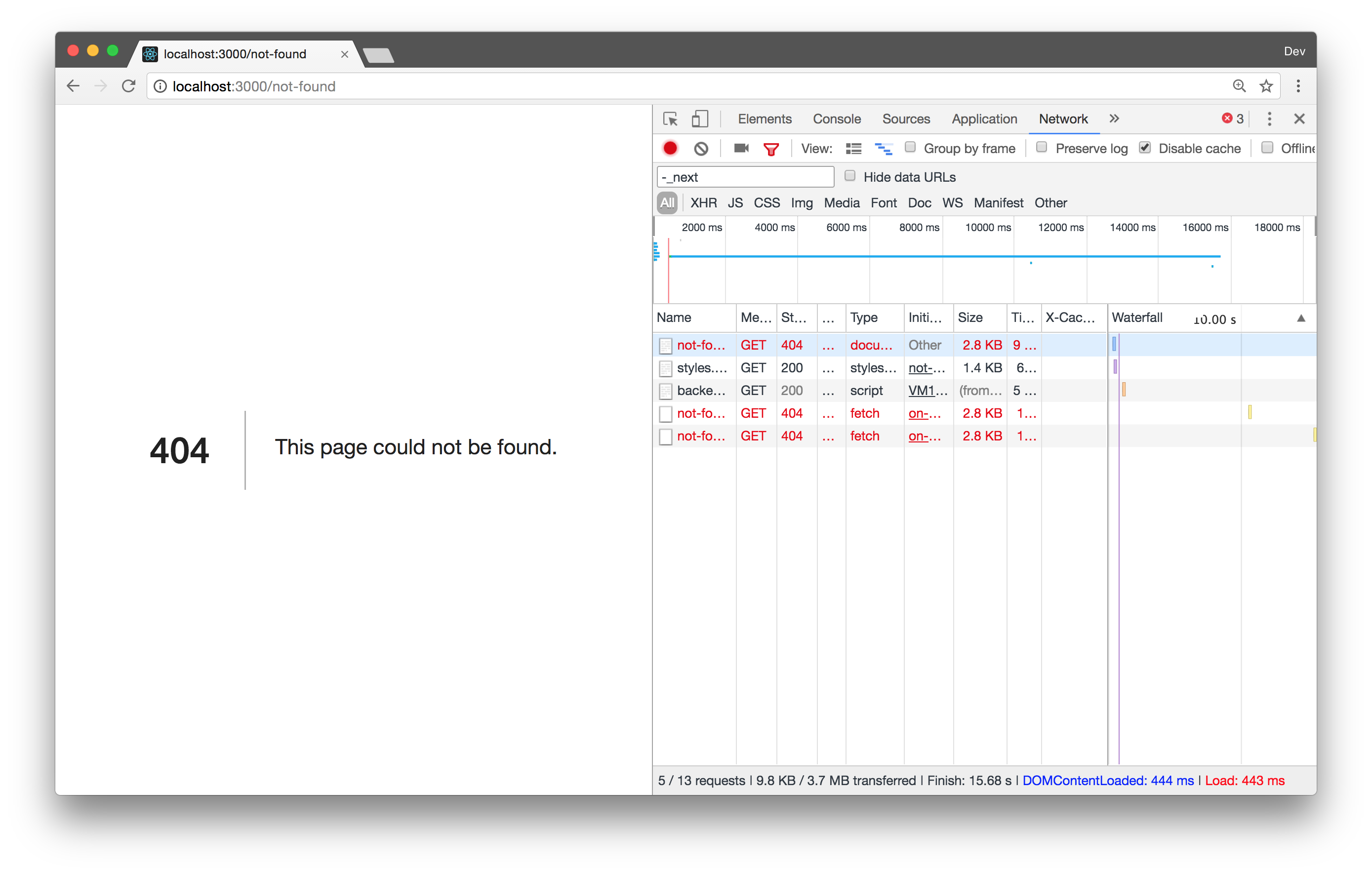 --- To add a custom error page, we: 1. Add `/pages/_error.js` 2. And return custom content. ```js // filename: pages/_error.js export default () => <h1>Nope.</h1>; ``` *Note: that I found you have to restart the `npm run dev` process to get this "system" file to be picked up.* --- ```js import React from 'react'; export default class Error extends React.Component { static getInitialProps({ res, err }) { const statusCode = res ? res.statusCode : err ? err.statusCode : null; return { statusCode }; } render() { return <div className="error">{ this.props.statusCode }</div> } } ``` ??? Sample from [Next.js _error.js](https://github.com/zeit/next.js#custom-error-handling) --- # Let's add some content… 1. Add ./data/schedule.json 2. `import` into ./pages/index.js 3. Loop over and render each session _Bonus_: remove the breaks from the schedule ??? For now we'll hard code the content, in the next section, we'll get it from an external source --- ```js // filename: ./pages/index.js import Session from '../components/Session'; import schedule from '../data/schedule.json'; // ... // in the render: {schedule.map((session, i) => <Session key={i} {...session} />)} ``` ??? Remember that JSX the curly braces return the expression - so the array of `Session` elements. --- # Using query strings 1. Create ./pages/session.js 2. .. filter the schedule down from the query: /session?slug=memory Slug is: ```js export default ({ url }) => { const slug = url.query.slug; // ... } ``` ??? Note that only the page component gets the `url` property by default, and if you want your components to receive them, you need to pass them along. --- # Clean URLs From /session?slug=memory to /session/memory --- # Clean URLs in the client ```js <Link href="/session?slug=memory" * as="/session/memory" > ``` 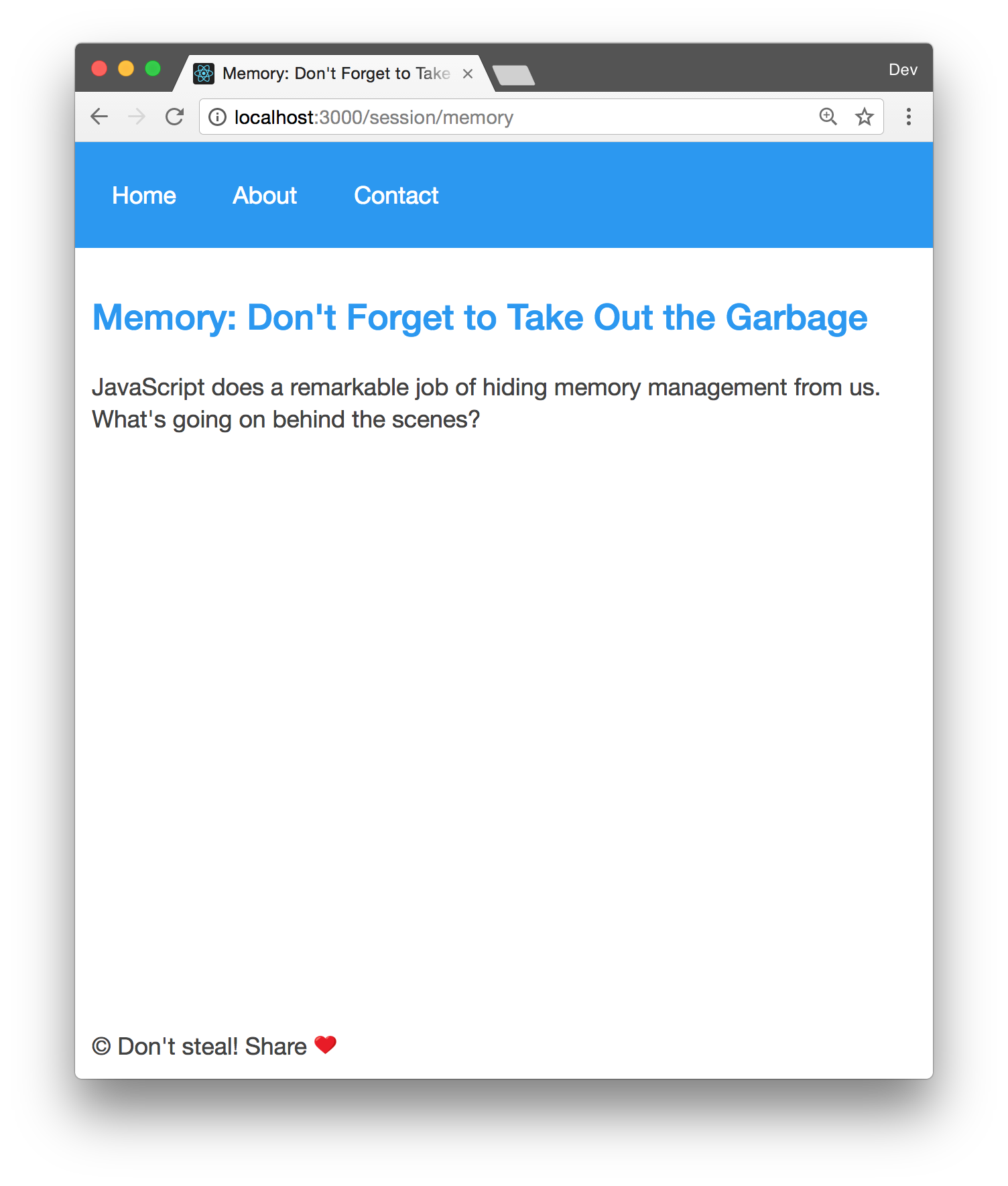 --- class: middle # Server different story <!--  --> .left[```bash ❯ curl -D /dev/stderr http://localhost:3000/session/memory | textutil -convert txt -stdin -stdout *HTTP/1.1 404 Not Found X-Powered-By: Next.js 4.1.3 Content-Type: text/html Content-Length: 2119 Date: Sun, 29 Oct 2017 15:59:20 GMT Connection: keep-alive HomeAboutContact Nope 😢 This page could not be found. © Don't steal! Share ❤️ ```] --- # Adding server side support 1. Add ./lib/server.js with [git.io/vFtzI](https://git.io/vFtzI) 2. Add … ```js server.get('/session/:slug', (req, res) => { const { slug } = req.params; app.render(req, res, '/session', { slug }); }); ``` ??? Note that we'll lose the query string if it's included --- # Gotcha: query strings 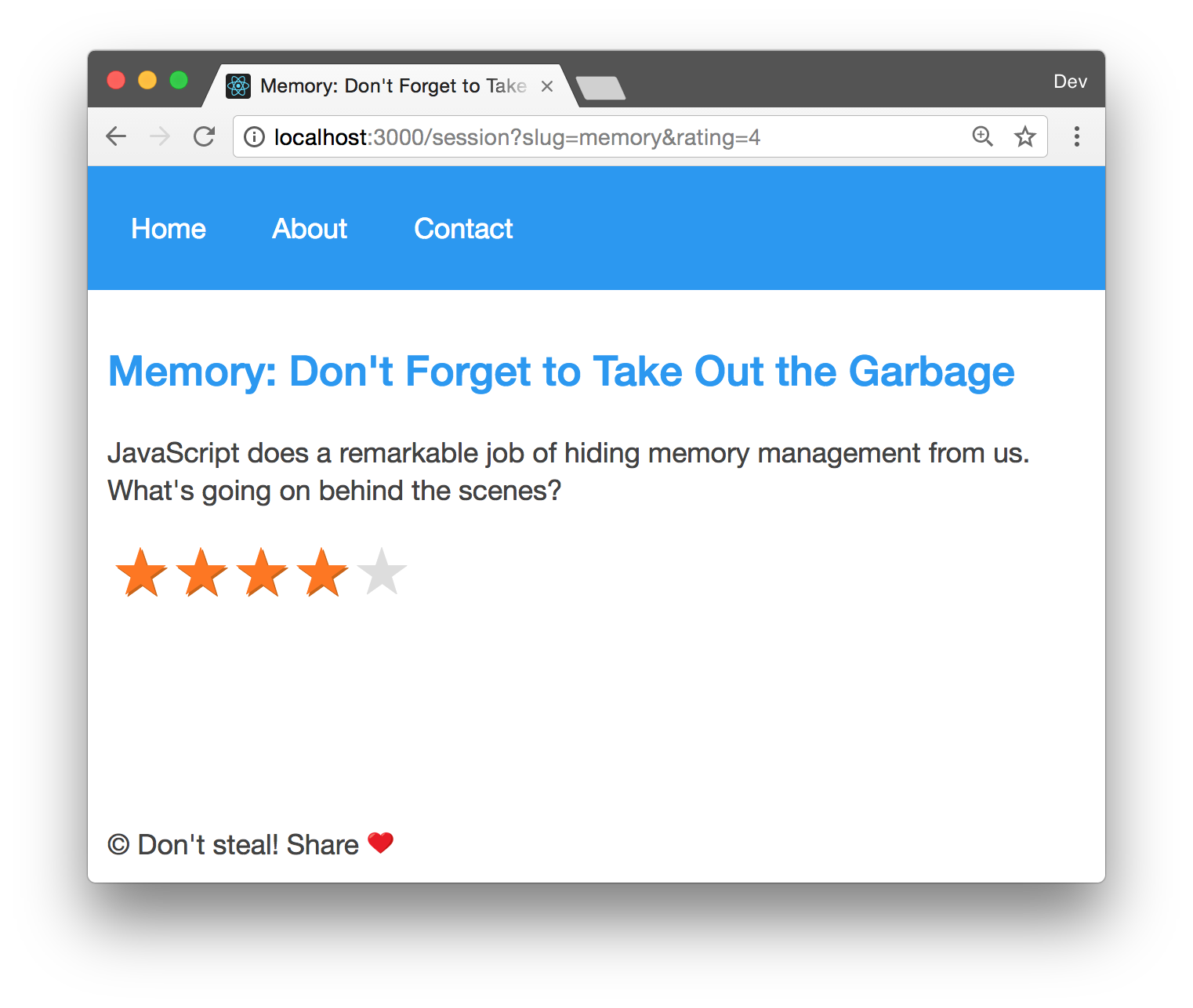 --- But [/session/memory?rating=4](http://localhost:3000/session/memory?rating=4) doesn't work from the server, because the server request handler didn't pass the query through. Fix: ```js server.get('/session/:slug', (req, res) => { const { slug } = req.params; * app.render(req, res, '/session', { slug, ...req.query }); }); ``` --- # Environment variables Secret keys, dev settings and more. ```bash # dev SHOW_SPEAKERS=1 npm run dev ``` ```bash # production SHOW_SPEAKERS=0 npm start ``` ??? It's solved using a next.config.js file.